



Duospin App
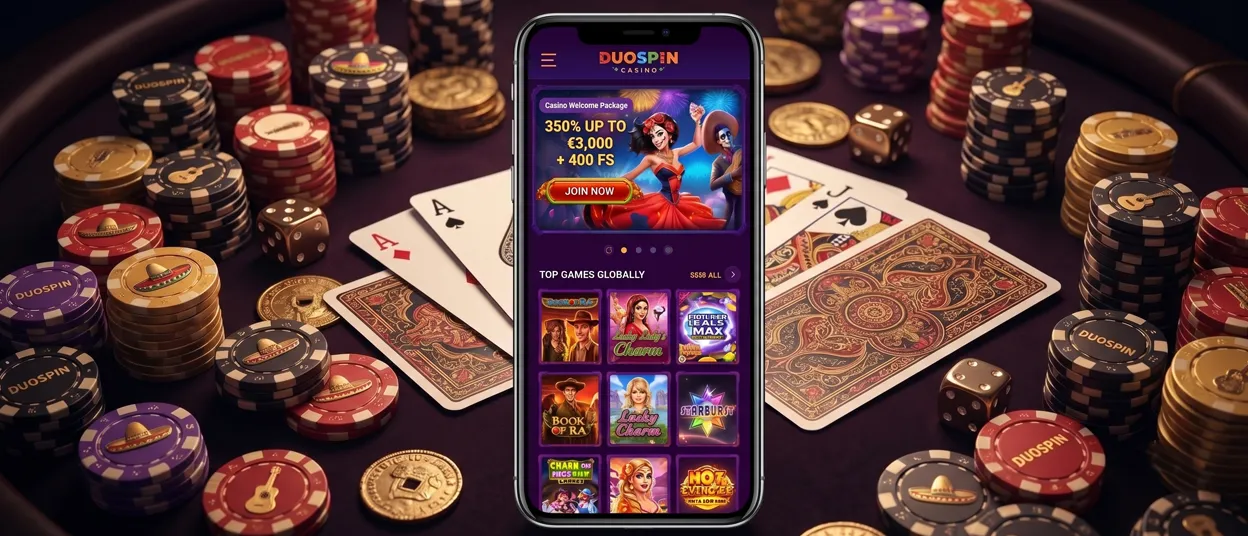
The Duospin App provides mobile access through a browser-installed home-screen shortcut. We use a PWA-style solution rather than a native application from an app store.
Players can use the shortcut on Android and iOS to open the responsive Duospin Casino website. On mobile, sign in with your usual details and choose a game from the browser. There is nothing to install.
The shortcut does not create another casino account. It provides a direct entry point to the current browser version and keeps access linked to the existing player profile.



Key Features of the Duospin App
At Duospin, we focus on direct browser access without a store download. Players can add a shortcut to the device and return through its home-screen icon.
Confirmed features include:
- A responsive layout for smaller screens
- Access to available casino sections
- Home-screen installation on Android and iOS
- Account entry with a login name or username and password
The shortcut opens the online platform, so it should be used with an active internet connection. It continues to load the current responsive website whenever it is opened. There is no additional mobile software that must be updated manually.
Duospin App for Android
Android users can add the mobile shortcut directly from the browser. At Duospin, we do not require an APK file or app-store page for this access method.
- Open the website on your Android device.
- Tap the three-dot browser menu.
- Select Add to Home screen, enter a shortcut name, and approve it.
The new icon provides a quick way to reopen the responsive website. If the browser uses slightly different menu wording, select its home-screen shortcut option. Removing this icon does not close the casino account, as the website remains available through the browser.
Duospin App for iOS
iOS setup also uses a browser shortcut instead of a store download. The process adds an icon that links back to the mobile Duospin Casino website.
- Open Duospin on your iOS device.
- Open the browser’s Share options.
- Choose Add to Home Screen and confirm the shortcut name.
Once the icon appears, tap it to return to the responsive platform. Use your usual credentials when account access is required. The shortcut can be moved or removed in the same way as another home-screen icon.
Duospin Application for Windows & macOS
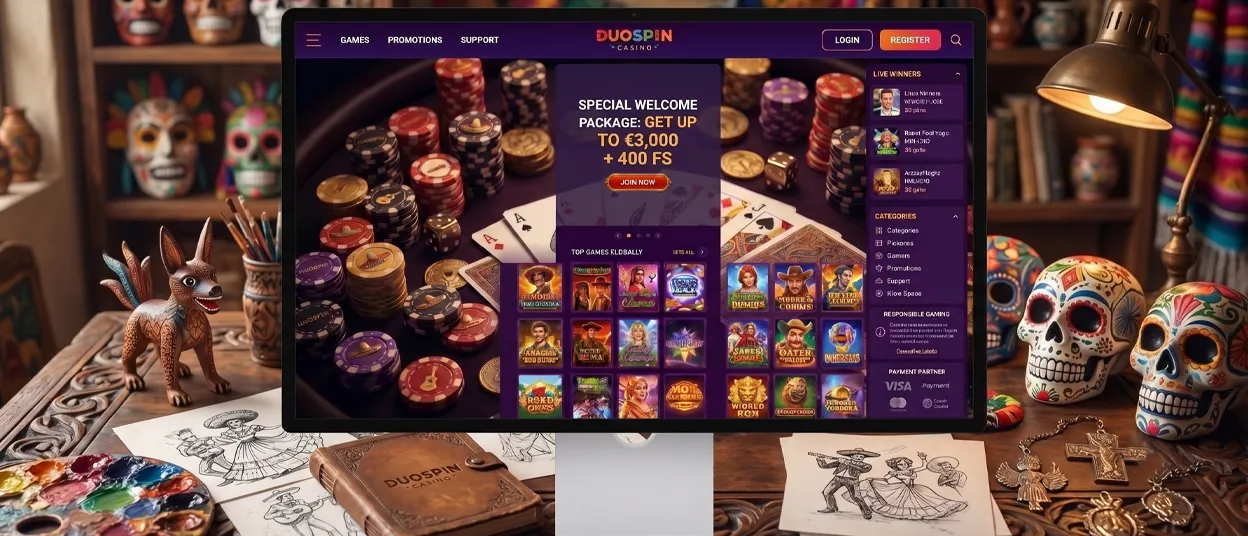
Windows and macOS users can access Duospin Casino through a regular computer browser. A native desktop application is not confirmed for either system.
Open the website and sign in with the usual account details. There is no confirmed Windows or macOS installer, so players should not download desktop software presented by an unrelated source. Browser access remains the confirmed option on both operating systems.
A standard browser bookmark can provide another quick way to return. This keeps desktop use within the normal website and avoids unverified installation files.
FAQ
What should I do if a game does not load on mobile?
Close the game and reload the page. Check your internet connection, then reopen the shortcut and sign in again if the session has ended. If the same title still does not load, contact 24/7 live chat and provide the game name, device type, and browser used.
Can I play Live Casino games on the Duospin app?
Yes. Available Live Casino games can be opened through the responsive mobile layout. A stable connection is important because live rounds are streamed in real time, while table availability and betting limits may differ by title.
Do I need to download the Duospin App?
No. Mobile access uses a home-screen shortcut instead of a native installation package. Add it from the browser menu on Android or the Share menu on iOS without visiting an app store.
Can I withdraw my winnings through the Duospin Casino App?
Mobile withdrawal access depends on the payment section available after sign-in. The shortcut connects to the mobile website and is not a separate native application.


